Your Calendar, Fully Under Control
Schedule sessions, accept bookings, and keep your week organized — without the back-and-forth.
A training calendar built for coaches. Not a generic scheduling tool with fitness bolted on.
Session Scheduling
Create one-on-one or group sessions with date, time, location, and client assignment. See your full week at a glance.
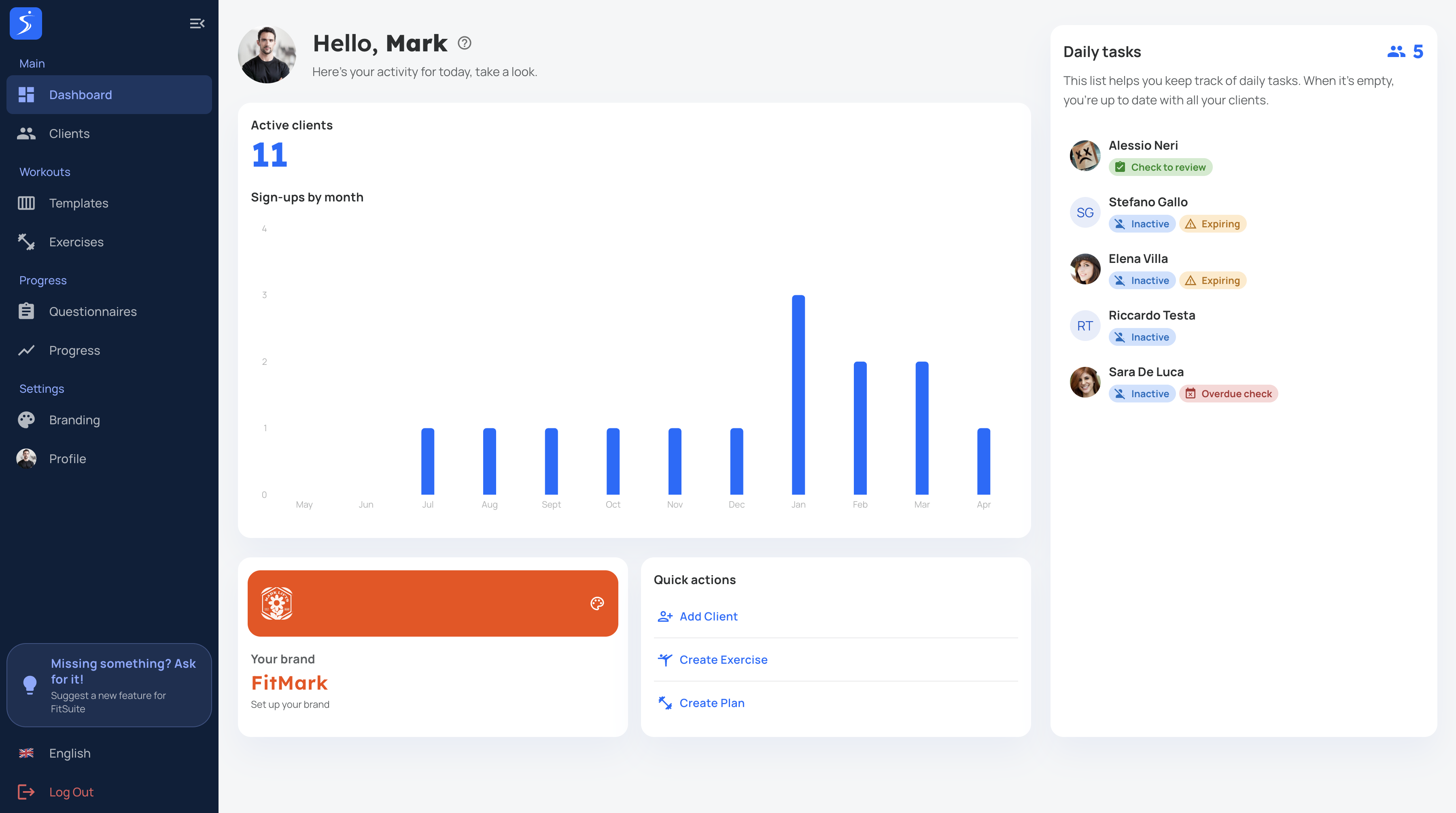
Online Booking Link
Share a booking page where clients pick available time slots. No more WhatsApp ping-pong to find a time that works.
More features
Automatic Reminders
Clients get push notifications and email reminders before their session. Reduce no-shows without lifting a finger.
Recurring Sessions
Set up weekly recurring appointments for regulars. The calendar fills itself — you just show up and coach.
Calendar Sync
Sync with Google Calendar or Apple Calendar so your training schedule appears alongside personal commitments.
Cancellation & Rescheduling
Clients can cancel or reschedule within your rules. You set the cutoff window — FitSuite enforces it.
FAQ
Can clients book sessions directly?
Yes. You share a booking link and clients pick from your available slots. You approve or auto-confirm — your choice.
Does it sync with Google Calendar?
Yes. FitSuite syncs with Google Calendar and Apple Calendar so all your appointments appear in one place.
Can I set cancellation policies?
Yes. Define how far in advance clients must cancel or reschedule. Late cancellations are flagged automatically.
Does it support group sessions?
Yes. Create group sessions with a maximum capacity. Clients book individual spots until the session is full.
Are reminders automatic?
Yes. Clients receive push notifications and email reminders before each session. You configure the timing.
Take control of your schedule
Online bookings, automatic reminders, and a clear view of your week. Try it free.
Start free trial